
Perhaps you’ve got an invalid response on your meter when using it and you’re confused because you don’t know what to do. Well, you are not alone because there are many electricity users who are in the same shoes as you. However, there is no cause for alarm because we’ve got you covered and we’re going to show you what to do on the course of our discussion. Stay tuned!
There are many reasons why you may get an invalid meter response on the course of using your prepaid meter, like incorrect meter number, faulty meter, blocked meter, and incorrect token, among others.
The issue of an invalid meter response can be fixed by ensuring that you entered your meter number correctly, connecting your CIU to the meter properly, contacting your utility provider for assistance, etc. So, if you get an invalid meter response on your meter, you can use any of these measures to get it fixed. We’ll give more details in the subsequent section.
- Read also: How to reset prepaid meter in Nigeria
What Does an “Invalid Meter Response” Mean on Prepaid Meter?
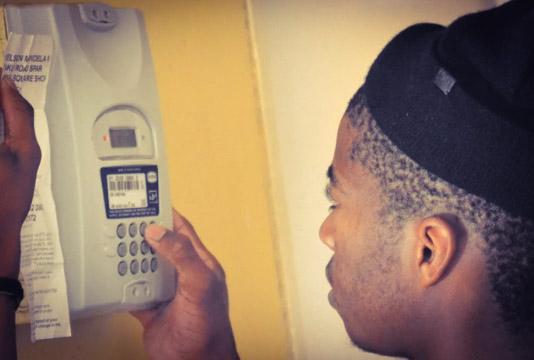
If you get an invalid meter response when using your prepaid meter, there are many reasons that may cause it, like:
- Entering an incorrect meter number when buying a prepaid electricity meter
- Entering the prepaid meter token wrongly
- Faulty meter
- Blocked meter
- Consumption of excess power by household
- Non-recoded meter.
What you Need to do When you get an Invalid Meter Response
What you should do when you get an invalid meter response is:
1. Check your meter number
If you get an invalid response when you want to recharge your prepaid meter, it may be due to entering an incorrect meter number. To this end, you should check your meter numbers to ensure that they are correct and you didn’t omit or misplace any of the numbers. You can confirm if your meter number is correct by checking it where you wrote it or on your previous receipt containing it.
2. Check for spaces in Between the Meter Number
Another thing you should do when you get an invalid response when recharging your prepaid meter is to check if there is space in between the meter number or at the beginning or end of it. If you notice any space, you should remove it and retry again.
3. Check your Meter’s keypad or CIU
When you get an invalid response when trying to load your prepaid meter, you should check to ensure that your meter’s keypad or UIU is connected to the meter itself. If you notice that they are not properly paired, you should connect them properly to get rid of the invalid response
4. Check for Tamper Mode
If your meter is in tamper mode, you may also get an invalid response when you want to use it. To revoke your meter from tamper mode, you will need to get a clear tamper code from your electricity provider. Once cleared, the invalid response may likely be removed.
5. Contact customer care
The last thing you should do when you get an invalid meter response when you are using a meter is to reach out to your electricity provider’s customer care representative and request assistance, especially if you have tried the measures above to no avail.
Conclusion
There are different measures that you can use to get rid of invalid meter responses on your prepaid meter, such as entering your meter number correctly, inputting your token correctly, linking your meter’s keypad to the meter, or reaching out to your utility provider. If you utilize these methods properly, you will be able to fix the issue of invalid meter responses.